Gemini in Chrome Gets One-Click Reusable AI Prompts
Google's new 'Skills' let you save Gemini prompts as shortcuts, triggered with a '/' slash — like macros for your browser.
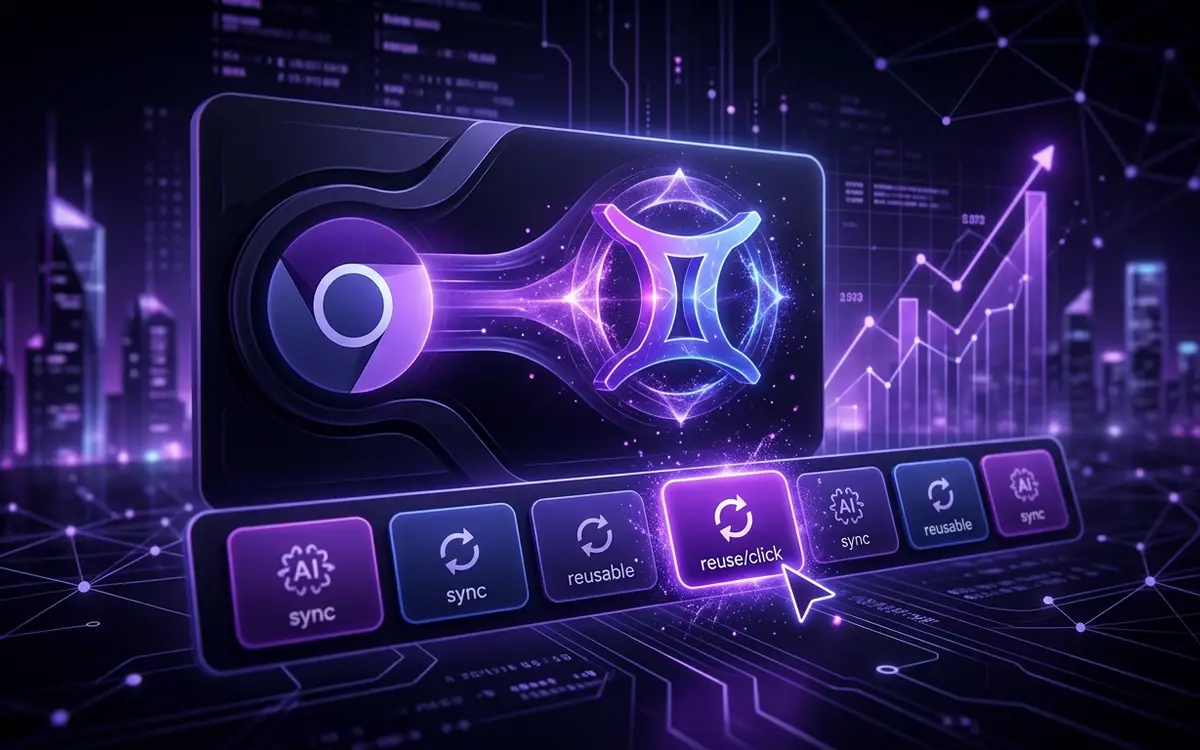
Google is rolling out Skills for Gemini in Chrome on desktop (Mac, Windows, ChromeOS). Think of them as saved prompt macros — you trigger them by typing / in the Gemini sidebar, and they run against whatever page or tabs you have open.
You can save any prompt you've already typed directly from your chat history, or browse Google's pre-built Skills Library at chrome://skills/browse, which covers categories like Research, Writing, Shopping, and Learning. Saved Skills sync across all your signed-in Chrome devices.
The rollout is currently limited to English-US users on Chrome desktop.
Why it matters: Skills quietly turns Gemini from a chatbot into a browser automation layer — and the / trigger pattern is a clear signal Google wants it to feel like a power-user tool, not just a search replacement.
Sources
Independent coverage
- Google announces 'Skills' for Gemini in Chrome 9to5google.com
- Turn your best AI prompts into one-click tools in Chrome blog.google
- Google adds AI Skills to Chrome to help you save favorite workflows techcrunch.com
Written by an AI pipeline from the sources above. Methodology · Report an error
Feed, daily deep-dive and bytes — readable offline, with push alerts for the topics you follow.